A new Redis vulnerability (CVE-2025-49844) has been disclosed.
This notice applies only to users who have Redis enabled on their RunCloud servers.
RunCloud servers use the official Ubuntu package for Redis, and we’re sharing the necessary details and steps below.
You can review the official Ubuntu security advisory here:
 https://ubuntu.com/security/CVE-2025-49844
 What this means for you
Redis on RunCloud servers is managed and updated directly by Ubuntu’s security repositories, not by RunCloud itself.
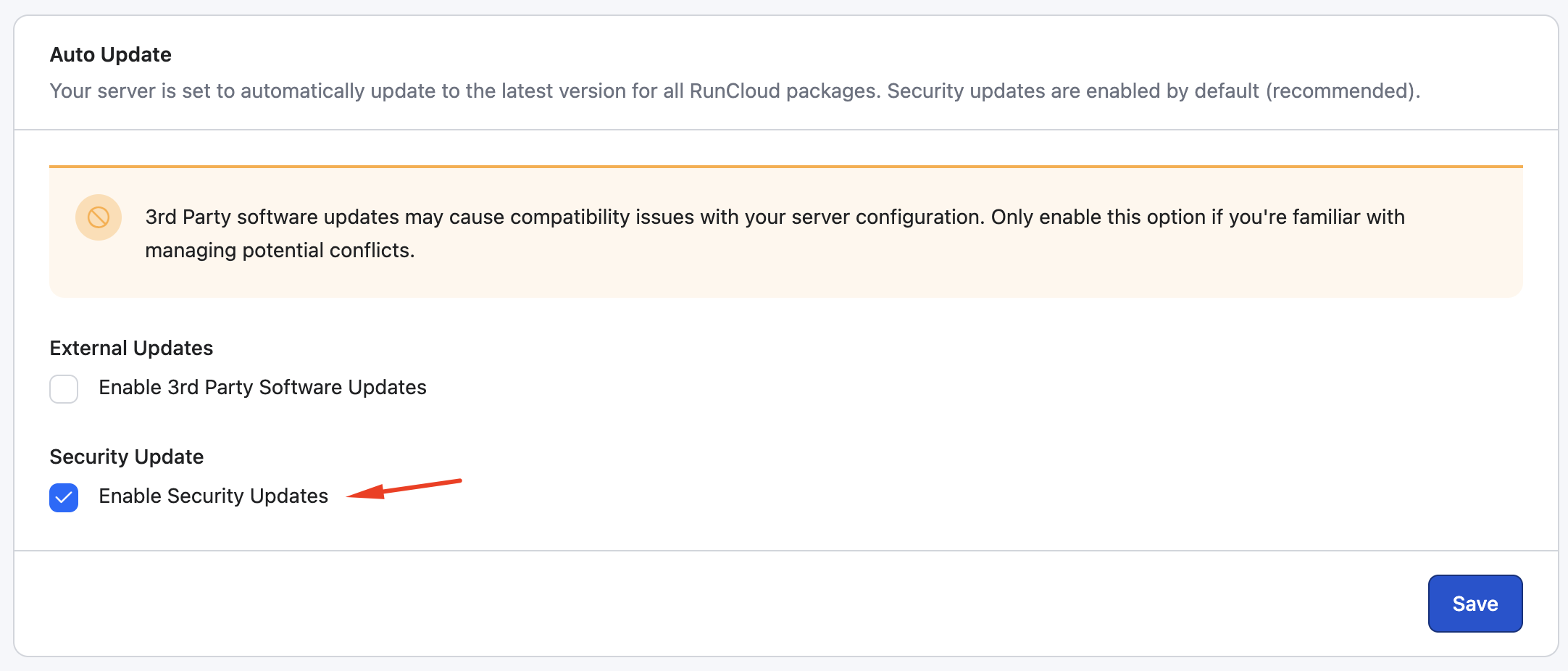
If Security Updates are enabled in your RunCloud Dashboard (enabled by default), your server will automatically receive Ubuntu’s patched Redis version once it’s released.
Until the patch becomes available, Ubuntu recommends restricting the affected Lua commands (EVAL and EVALSHA) as a temporary mitigation.
 Temporary Mitigation Steps
-
Edit your Redis configuration:
nano /etc/redis/redis.conf -
Add the following line at the end of the file:
user default on >yourpassword ~* &* +@all -eval -evalsha(Replace yourpassword with the Redis password mentioned at the end of your redis.conf file, or from your RunCloud Dashboard → Server Settings → Redis.)
-
Save and restart Redis:
systemctl restart redis -
Verify:
redis-cli
AUTH <password>
ACL LIST
You should see:

Redis (6.0.16 on Ubuntu 22.04) Compatibility Update

If your Redis (6.0.16 on Ubuntu 22.04) fails to restart after adding ACL rules — remove &* and use:
user default on >yourpassword ~* +@all -@scripting +script
Here’s what this does:
-
-@scripting blocks all Lua script execution (EVAL, EVALSHA).
-
+script re-enables the safe SCRIPT management commands (SCRIPT FLUSH, EXISTS, etc).
 Need assistance?
If you’d like help applying this change or confirming it’s active, please reach out to our support team, we’ll be happy to assist.

