NGINX Templates let you save, reuse, and centrally manage your server configurations across all your web applications.
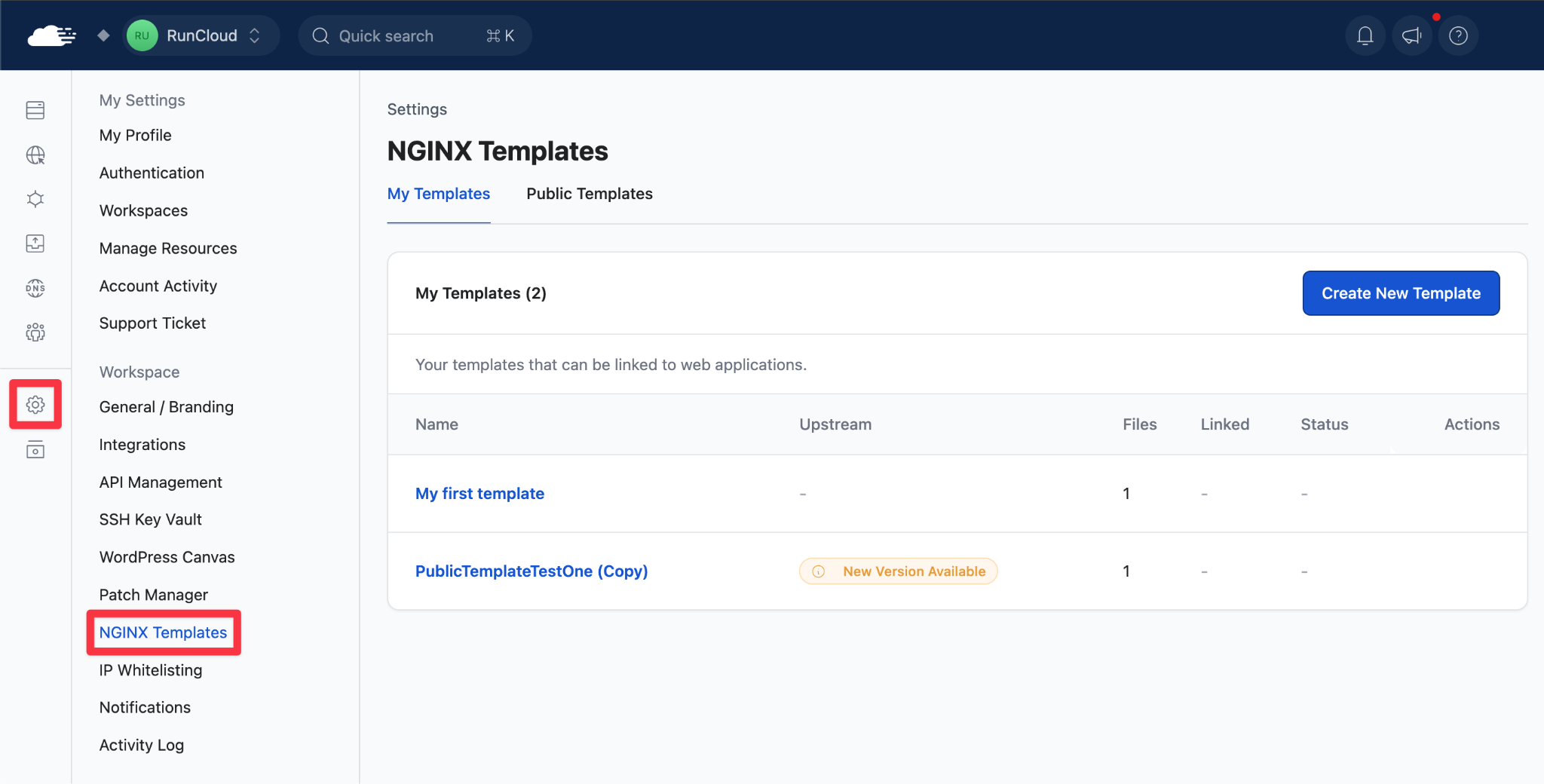
Save your optimized NGINX configs as reusable templates, install them on any web app with a single click, and push updates to all linked apps when your config changes.
Learn more about NGINX Templates →
How It Works
You can now save your NGINX configurations as reusable templates at the account level. Create a template from scratch or from any existing web app’s config. Templates support variables like {{webapp_path}}, {{php_version}}, and {{username}}, so the same template works across different apps and servers.
Install on any web app: Use templates during web app creation or attach them to existing apps. You can attach up to 5 templates per web app: one for security headers, one for caching rules, one for routing, etc.
Update everywhere from one place: When you need to push a change (say, a new Permissions-Policy header), edit the template once, select which linked web apps to sync, and RunCloud handles the rest. One NGINX reload per server, done.
You’re in control:
- Conflict detection warns you if a web app has local edits before you overwrite them
- Detach any web app from a template for independent customization
- Browse the public template library, duplicate community templates, and sync upstream updates manually