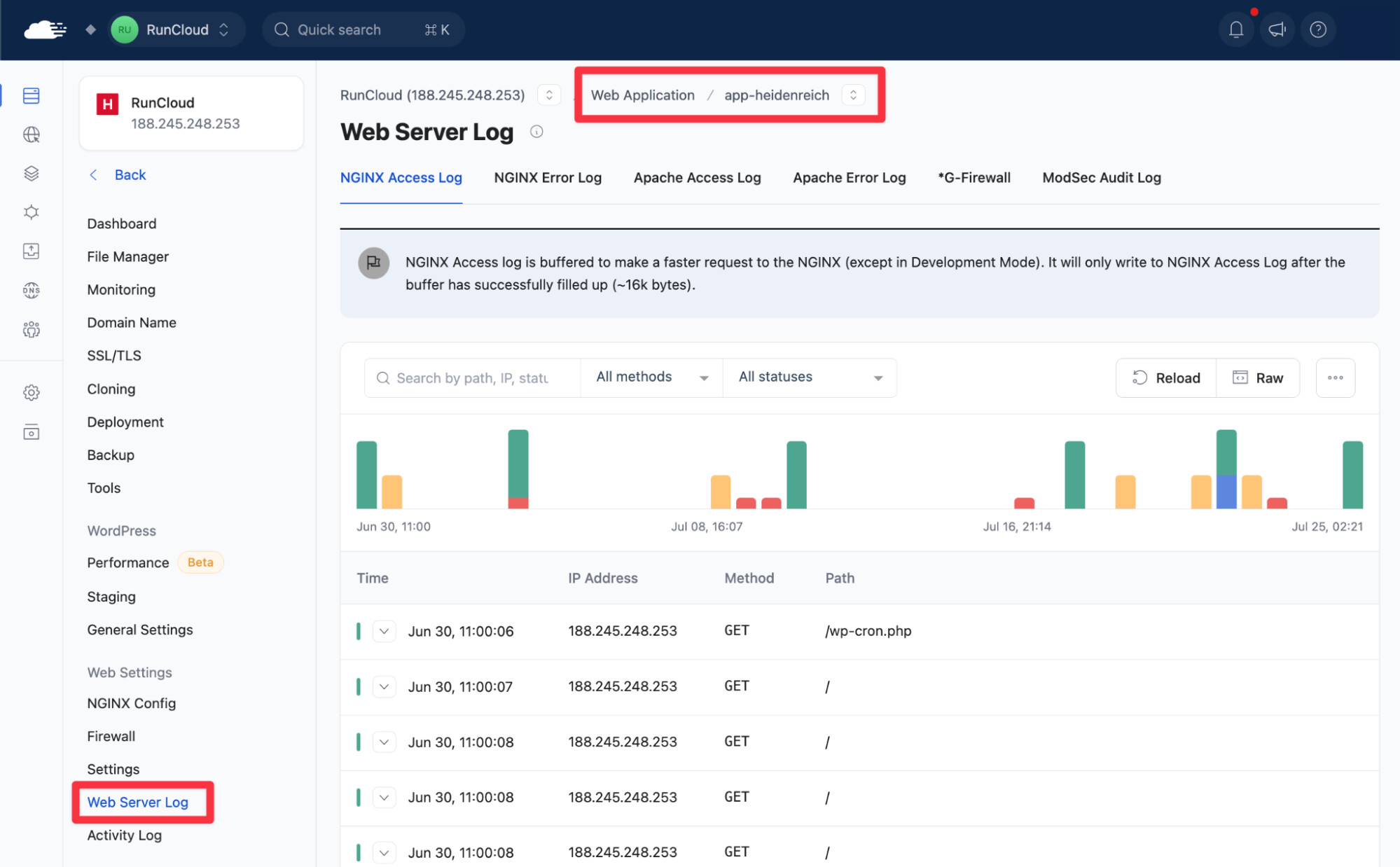
The Web Server Log viewer has been redesigned from the ground up.
Instead of scrolling through raw text, you now get a searchable table, interactive timeline, and powerful filtering tools to quickly find the entries that matter.
What’s New
-
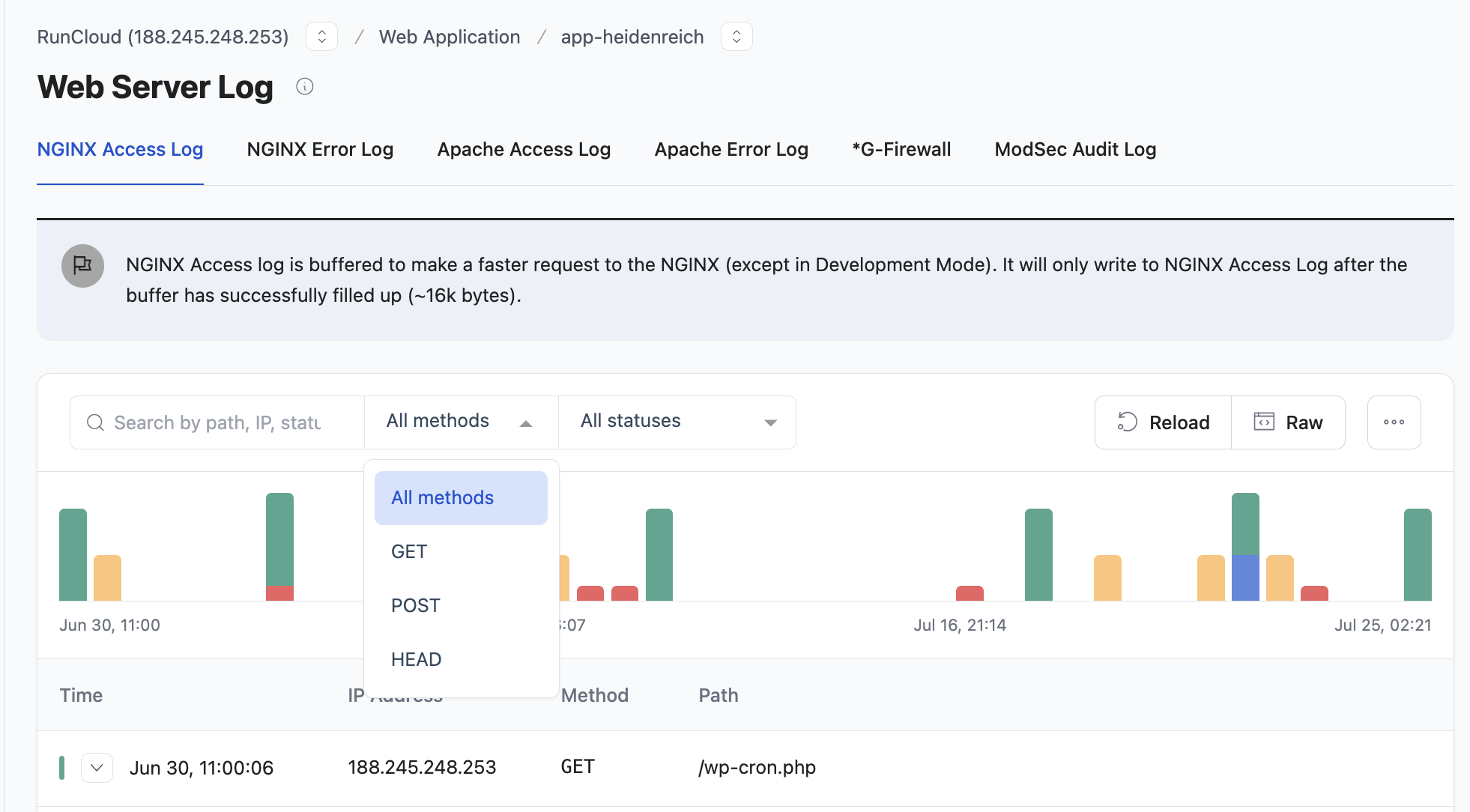
Structured table view: Log entries are organized into columns (Time, IP Address, Method, Path, Status) with expandable rows for full details on each request
-
Interactive timeline: A bar chart at the top of the viewer shows how requests are distributed over time. Hover over a bar to see request counts and types, or click to jump directly to those entries in the table
-
Search and filter: Search by path, IP address, or status code. Filter by HTTP method (GET, POST, etc.) or response status (200, 404, etc.) using the dropdown menus
-
One-click actions: Reload to fetch the latest entries, copy log data to your clipboard, or download the raw log file
-
Raw view still available: Switch back to the original raw-text view at any time using the Raw toggle
Supported log types: NGINX Access, NGINX Error, Apache Access, Apache Error, and G-Firewall.
Note: The viewer displays the most recent 500 lines from the underlying log files. NGINX buffers logs and writes them after the buffer reaches approximately 16 KB, unless your web application is in Development Mode.
To access the new Web Server Log, navigate to your web application and Web Server Log, as shown below: