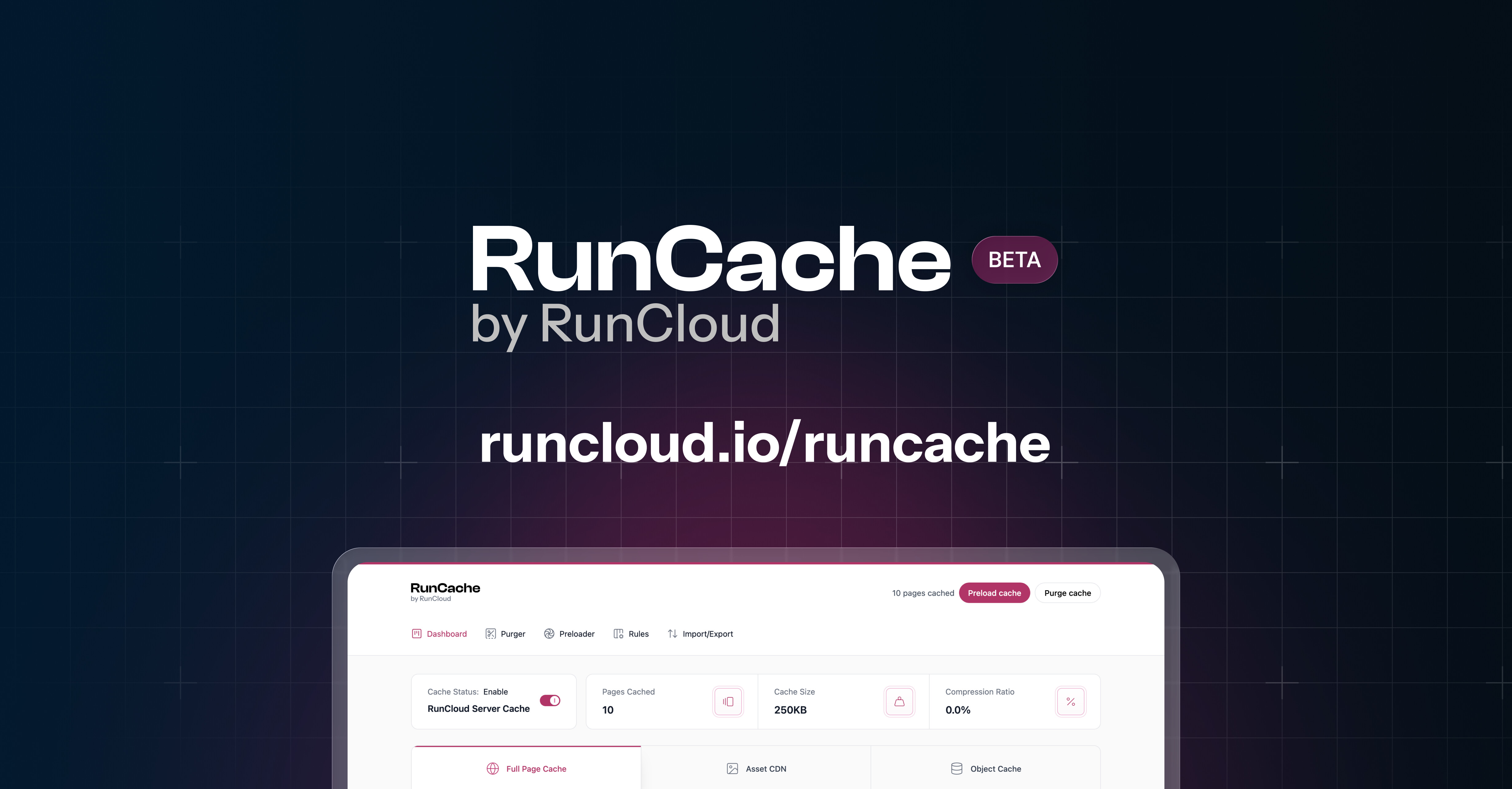
One plugin that brings full-page caching, Redis object caching, and Cloudflare edge caching into a single solution. No more duct-taping three plugins together.
RunCache automatically detects your server type and surfaces the right options accordingly: NGINX settings for NGINX servers, LiteSpeed Cache options for LiteSpeed.
Since this is a beta, we want your feedback. Bugs, edge cases, compatibility questions, and performance reports. This is the beginning. In many ways, the real work starts now.
In due course, yes, RunCache will replace the current version of RunCloud Hub – allowing us to deliver highly-requested improvements to how caching works on RunCloud as well as offer a caching solution that is already powering some of the largest web hosting providers in the APAC market under the hood.
Note: In due course, it will be available on the WordPress.org repository as well.
We highly recommend testing in staging rather than in production environments for now. We can’t wait to hear what everyone thinks.
@Bran Thanks! Excited to hear what you think. They work nicely alongside each other in our testing (similar to how RC Hub currently does) but we do expect more testing to take place as a part of the initial beta. If you run into any issues or odd behavior, please let us know.
Can we use RunCache just for Object cache and let flyingpress handle page caching?
Correct, yes, that would be possible. Each module can be used/enabled separately.
Does RunCache automatically config object cache from runcloud end or do we still need to do manual configurations?
If you use RunCloud, the configuration would be automated as it is with RunCloud Hub. For sites hosted elsewhere, some manual steps are required (i.e., to set up Redis if you are not on RunCloud).
How do we actually get access to RunCache? I’m must be missing something. Your landing page only allows for demo website creation. I’d like to test it on one of my own setups.
@Bran The launcher on the landing page is to provide a very easy way to explore it without installing it, since it is a beta.
Once you enter your email/explore it there, you will receive an email with instructions to request the latest plugin .zip file (covered in the automated welcome email).