Hi everyone 
Docker Stacks is now in beta.
You can deploy containerized apps on your RunCloud servers from the same dashboard as your web applications, without SSH, hand-written Compose files, or NGINX edits.
-
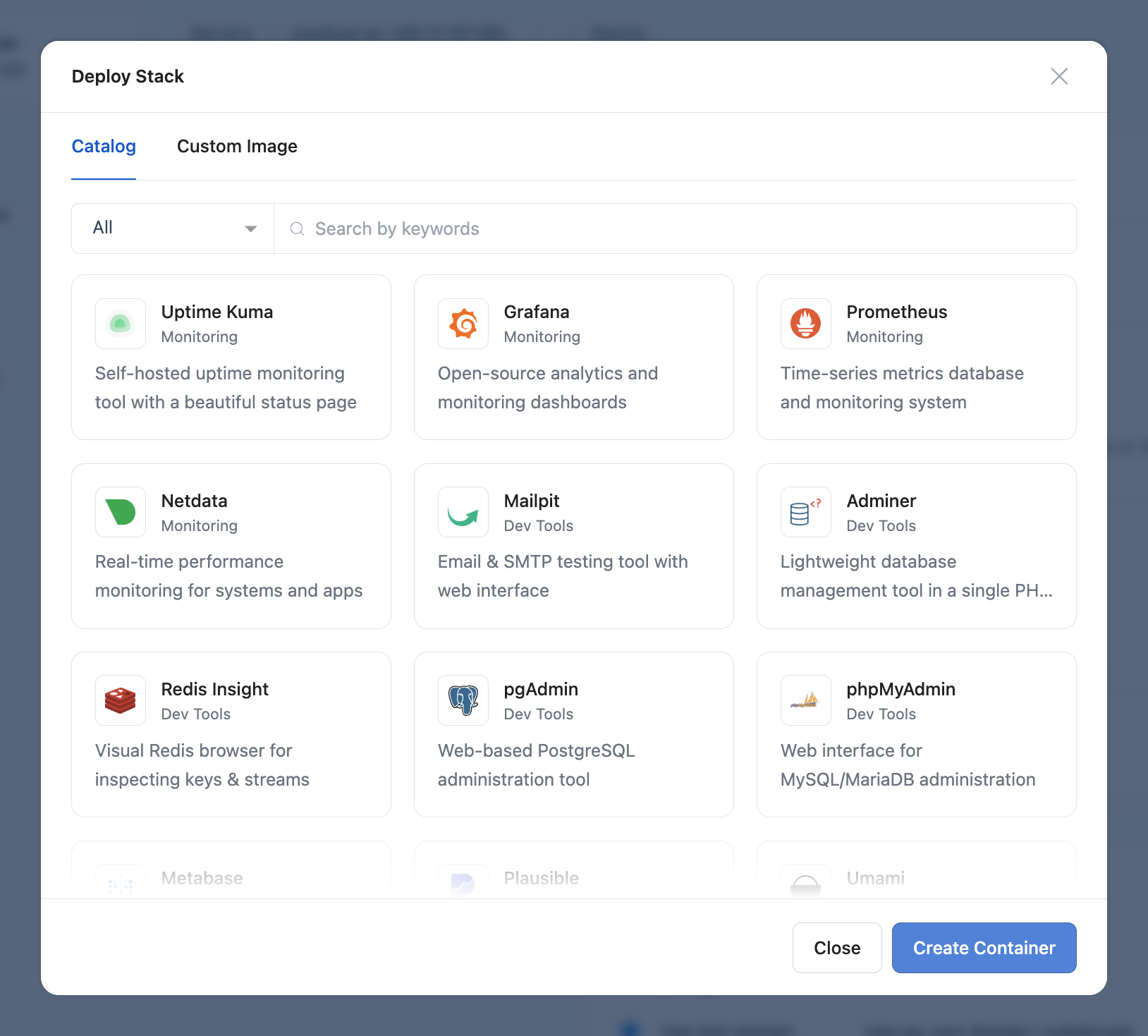
App Catalog: n8n, Uptime Kuma, Plausible, Grafana, Meilisearch, Ollama, Ghost, and more, each with tested defaults.
-
Custom images: Deploy any image from Docker Hub, GitHub, Google, AWS, Azure, or a self-hosted registry.
-
Handled for you: Domains, Let’s Encrypt SSL, MariaDB and Redis, persistent volumes, and an encrypted Secrets Vault.
-
Push-to-deploy with automatic rollback: Redeploy when a new image is pushed. If it fails within 60 seconds, the previous version is restored.
-
Monitoring: CPU, memory, and network metrics with up to 30 days of history.
Docker Stacks is available on the Business and Enterprise plans and runs on Containerized servers. Existing native servers can’t be converted, so choose the Containerized installation type when you connect a new server. This feature requires RunCloud Agent v2.20.0.
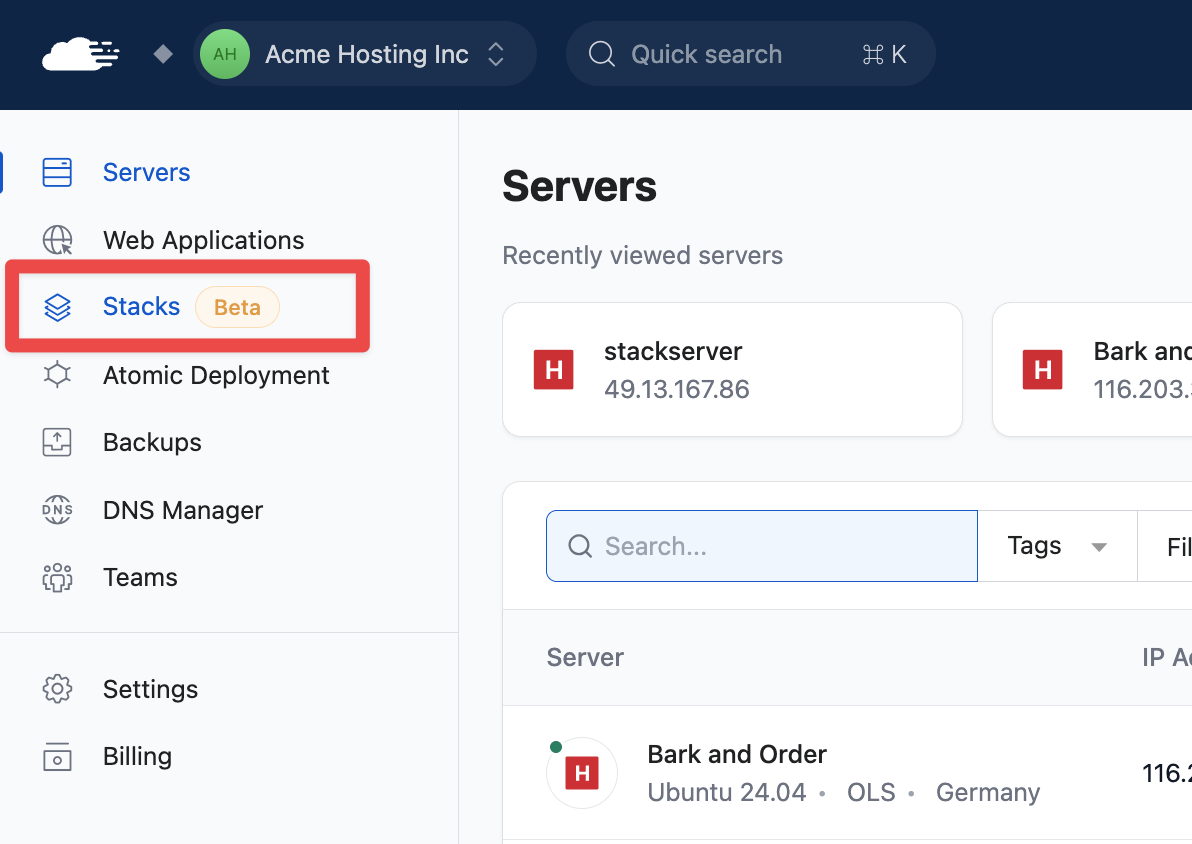
Open a containerized server, go to Stacks and click Deploy Stack.
This first beta deploys only pre-built images.
Learn more & get started using our documentation →
This is a beta, we want your feedback 
As usual, this is a beta, so please share any & all feedback: what didn’t work as expected, and which apps you’d like in the catalog, etc. We already have a long list of improvements that we plan to make, including adding support for backups here as well.
Looking forward to seeing how you all use this feature. 
Since we’re using dedicated servers with a lot of storage there is no option for us to switch servers, which is required to run Docker Stacks so my hopes are that you work on a serious migration tool.
Having such installable apps in the Runcloud dashboard is fantastic. I already used half of those set up manually. But may I ask why they are docker containers?
I personally cannot stand docker and do not use it it adds additional complications that are not needed for me I’ve been a web developer for 25 years managing servers all that time built and deployed hundreds of websites and bespoke applications and installed many of these apps in this list without the need for docker. In my opinion docker uses resources and adds complexity.
I think docker sounds like it could be useful in development team setups where you want everybody developing on the same environment but we do not have issues with people developing on their own environments, nor issues when apps are published to live. No need for docker. I personally and in my business don’t see the need to have multiple containers with different configurations running on the same server.
I have been involved in projects where docker was used and the additional time needed to manage docker itself is crazy. So why is it not possible to have such apps installable without docker? I do it at the moment myself manually so you don’t need Docker to run these apps thank you
Server switching is quiote straight forward if apps support newer PHP and you have access to DNS. The RunCloud clone feature works well.
Our ossue is we dont have access to many website DNS. So its not easy to switch then, especially as RunCloud does not support multiple IPs on the same server.
I have posted our method to switch servers which includes proxying websiutes to the new server here Critical PHP Vulnerabilities (CVE-2026-109618, CVE-2026-109619): What RunCloud Is Doing - #8 by guyinpv . (if it gets approved)