Hey everyone,
I hope your week is off to a great start.
We’re excited ot introduce Auto Healing.
We’ve all been there: your site goes down, traffic drops to zero, and you scramble to find out why. And often all you need to do is restart a service that’s crashed.
When Auto Healing is enabled, RunCloud now automatically detects and restarts failed services like NGINX, MariaDB, Redis, and PHP-FPM, often before you even notice there’s a problem.
Auto Healing continuously monitors your server’s critical services, NGINX, MariaDB, PHP-FPM, Redis, and steps in the moment something crashes. Here’s what’s happening behind the scenes:
- Constant monitoring: It watches for unexpected service stops. If you stop a service for maintenance, it won’t touch it.
- Instant recovery: If a crash is detected, RunCloud attempts to restart the service immediately.
- Smart retry logic: It will try up to five times. If it restarts successfully, the counter resets and monitoring resumes as normal.
- Fail-safe alerting: If it fails all five attempts, Auto Healing stops trying and sends you a final notification. That’s your signal that the issue may be deeper, like a misconfiguration or exhausted resources.
It’s designed to be intelligent, hands-off, and transparent, so you’re not left guessing what happened.
To ensure every server gets this protection, Auto Healing is enabled by default on all servers, both new and old (assuming they’re running the minimum version of the RunCloud agent that is required → v2.13.0+7)
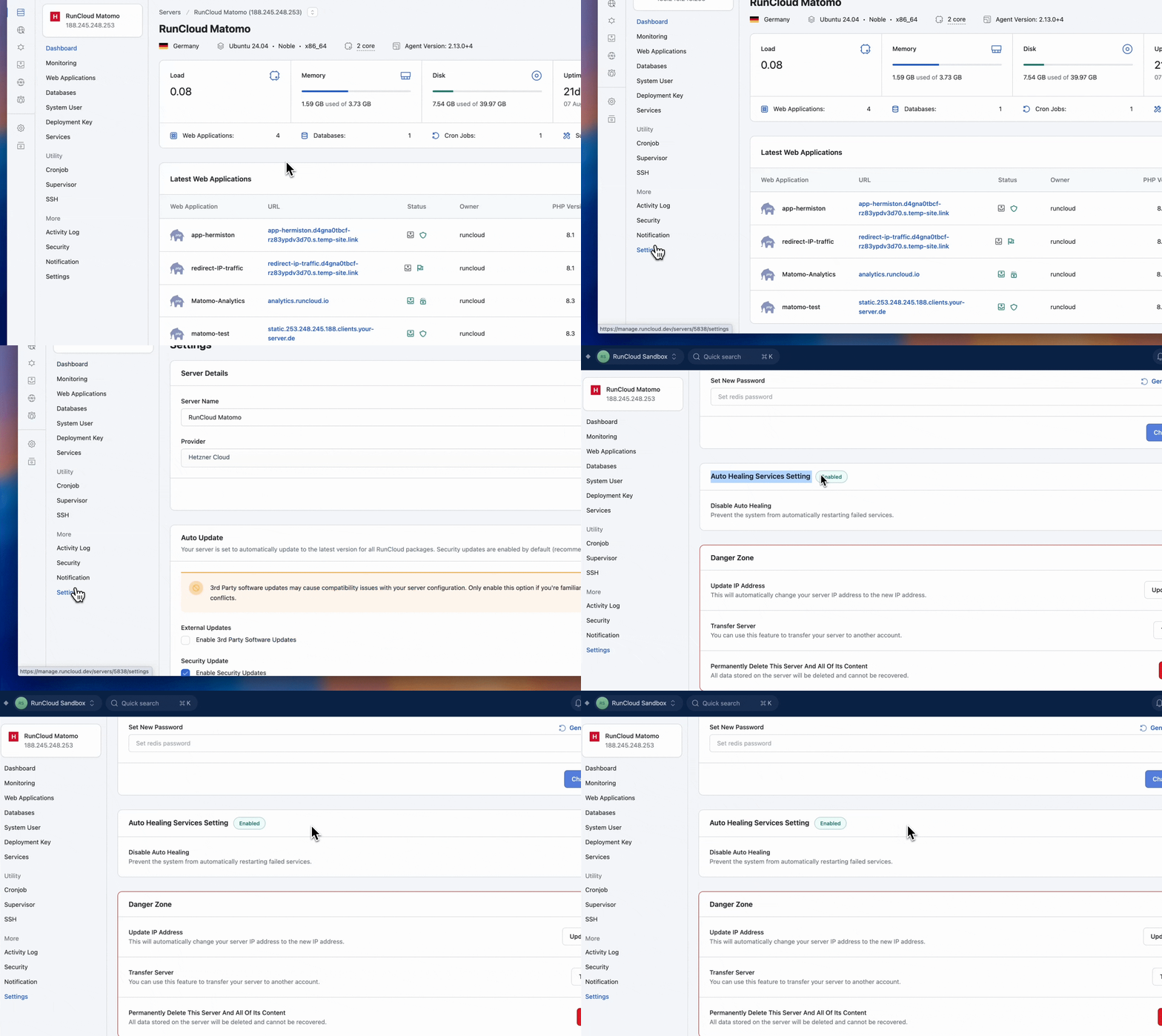
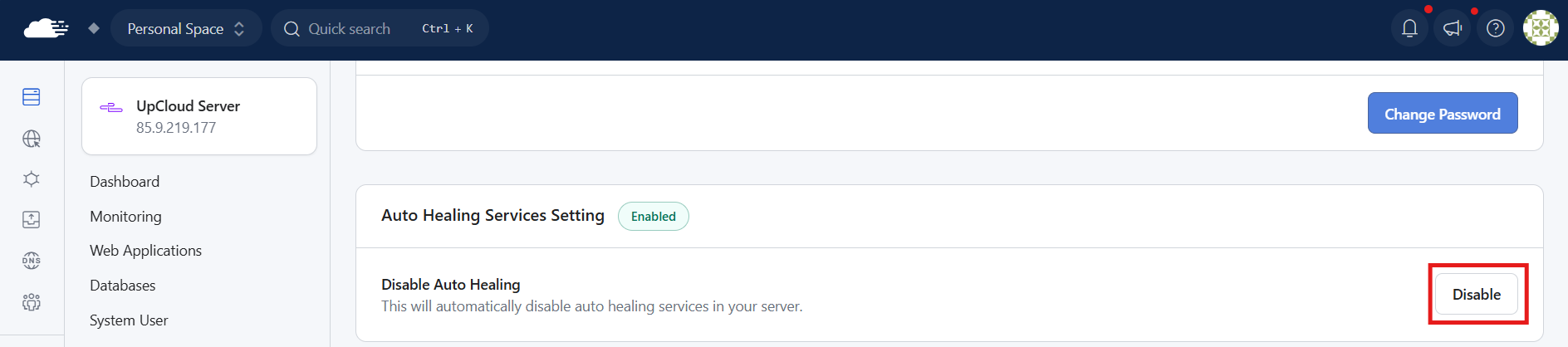
You can manually disable it under Server > Settings > Auto Healing Services Settings
We’re incredibly excited for you to get your hands on this & look forward to hearing feedback as it starts working in the background to keep your web applications online.

