Great! Also, this is exactly what I’m hoping for with web apps too (request here). Being able to enable / disable a web app with a quick couple of clicks would be great. Similar in functionality to suspending an account in WHM. A use case would be disabling a phpMyAdmin site whenever it’s not needed, or suspending a client’s site quickly for non-payment.
Also, don’t know if its possible.
But maybe check what cronjobs are already on the server or manually added.
We added a cronjob for our backups.
Not a big deal but for others it would maybe be nice to have all Cronjobs in the GUI.
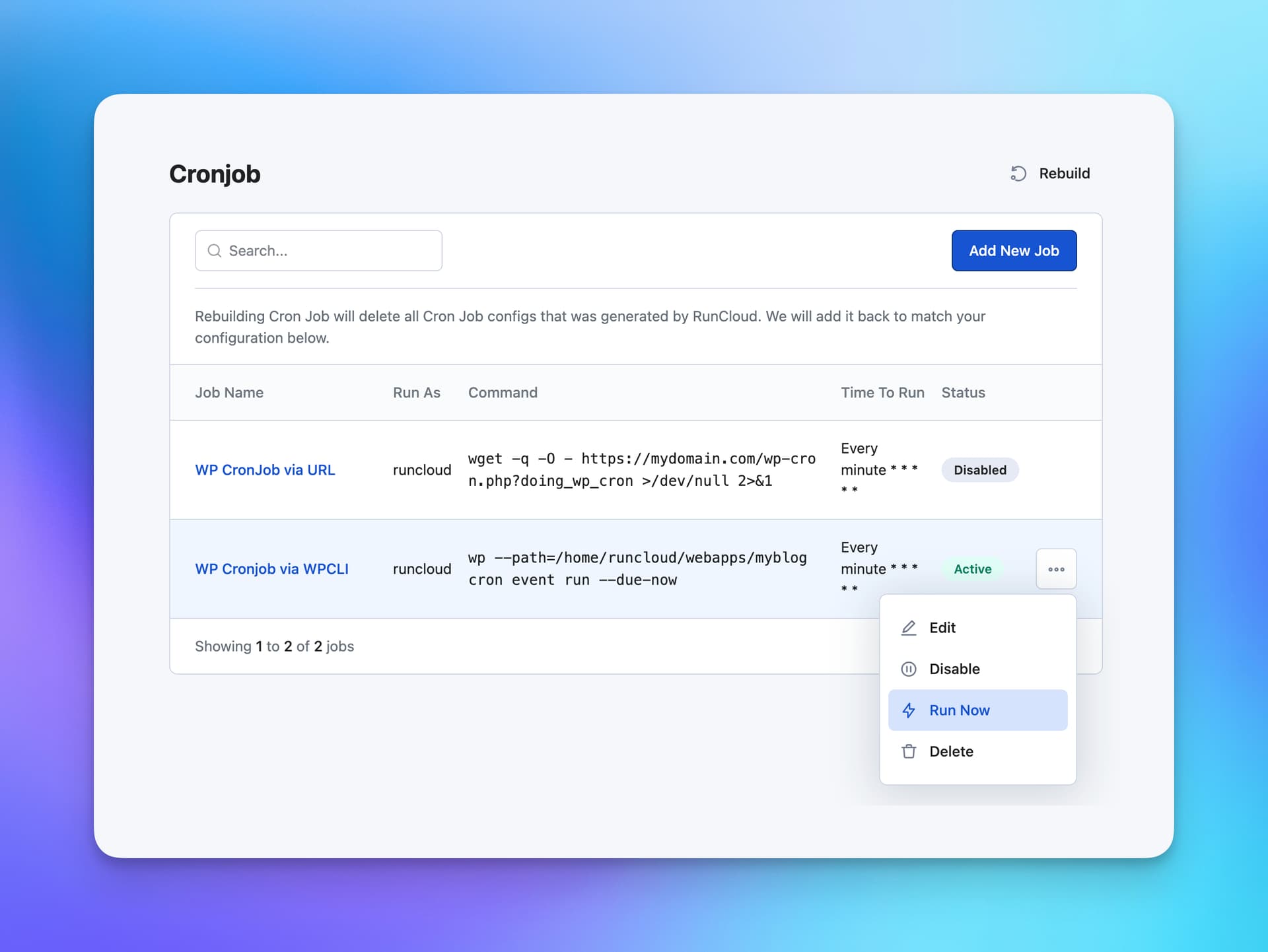
Cool. What I would really like is more control in the manner of how many times it did run and if the last run was success. But pause and run now is awesome.
You mean some more logging? And maybe alerting if a scheduled job did not run you get a message.
So CronMonitoring?
There are tools for that. But indeed would be nice to have it built-in
Yeah kinda, because now you have no feedback. With disable / enable I can try instead of delete/create, so that is helpful. But to see more info about Cron means more control and overview.
In some cases that’s an OK solution, but it’s not ideal for hosting management. For example, when managing a bunch of websites including dev sites or others with a valid reason for password protection, using the same function for suspending a site temporarily gets messy. I’d love to see at a glance sites that are intentionally taken down / suspended as a distinct group rather than having to remember / guess why some have password protection.
 https://community.runcloud.io/c/feature-requests/16