# Introducing AI Monitoring (Beta)
**URL:** https://community.runcloud.io/t/introducing-ai-monitoring-beta/4728
**Category:** Announcements
**Created:** [June 19, 2026, 9:11am UTC](https://community.runcloud.io/t/introducing-ai-monitoring-beta/4728 "2026-06-19T09:11:39Z")
**Posts on this page:** 4
**Page:** 1
### Author:  [@runcloud](https://community.runcloud.io/u/runcloud)
#### Post date: [June 19, 2026, 9:11am UTC](https://community.runcloud.io/t/introducing-ai-monitoring-beta/4728/1 "2026-06-19T09:11:39Z")
RunCloud AI Monitoring continuously analyzes your server to detect anomalies and their severity, diagnose root causes, and surface remediation steps you can act on immediately.
**Note:** As AI Monitoring is still in beta, we recommend enabling it on test or non-production servers first. We’re actively refining data handling and privacy documentation, which will be published ahead of general availability.
## **How It Works**
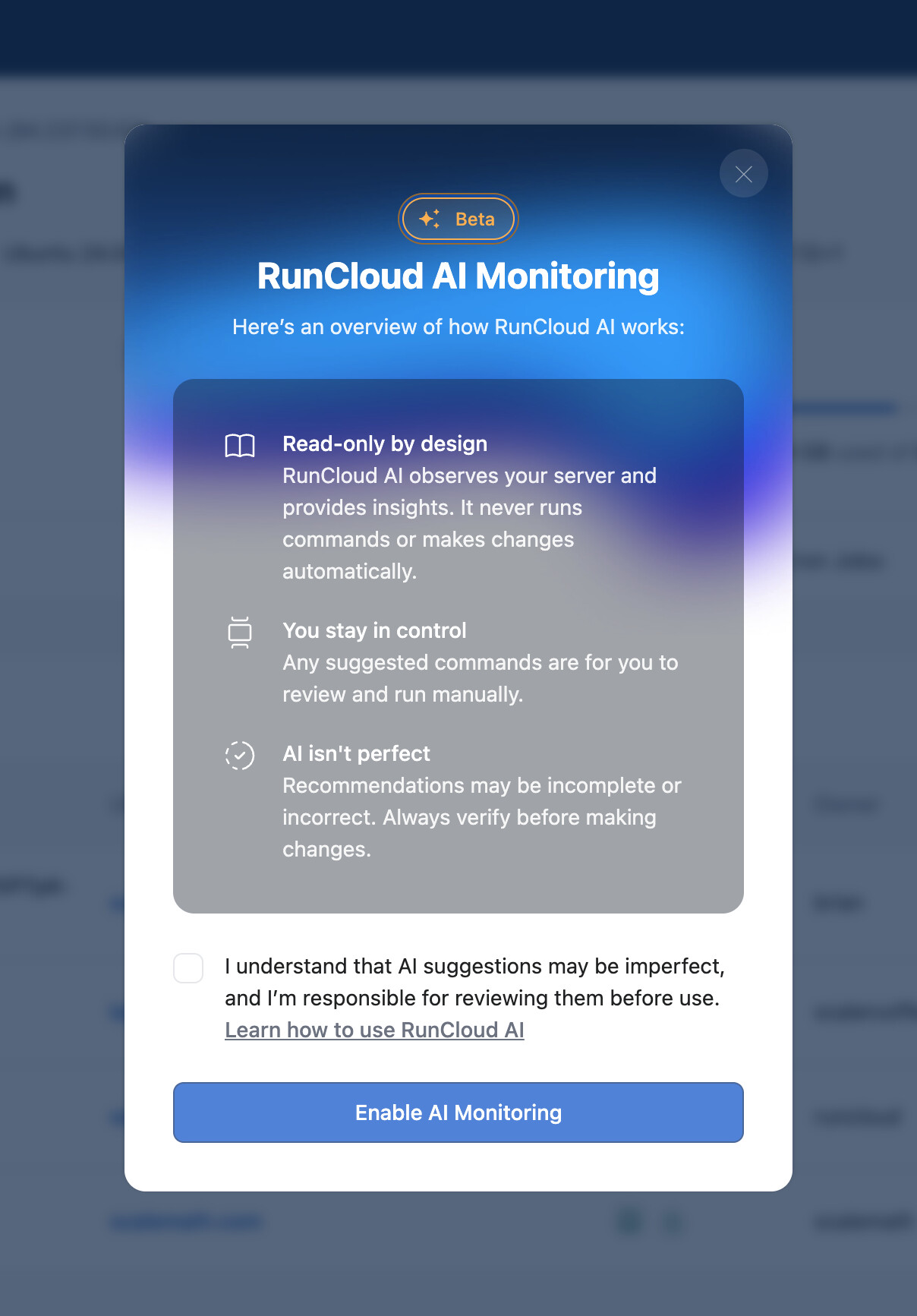
- **Read-only by design.** RunCloud AI observes your server and provides insights. It never runs commands or makes changes automatically.
- **You stay in control.** Any suggested commands & next steps are for you to review and run manually.
- **AI isn’t perfect.** Recommendations may be incomplete or incorrect. Always verify before making changes.
- incidents you can revisit anytime
**[Learn more in our documentation →](https://runcloud.io/docs/ai-monitoring)**
## **How to Enable AI Monitoring**
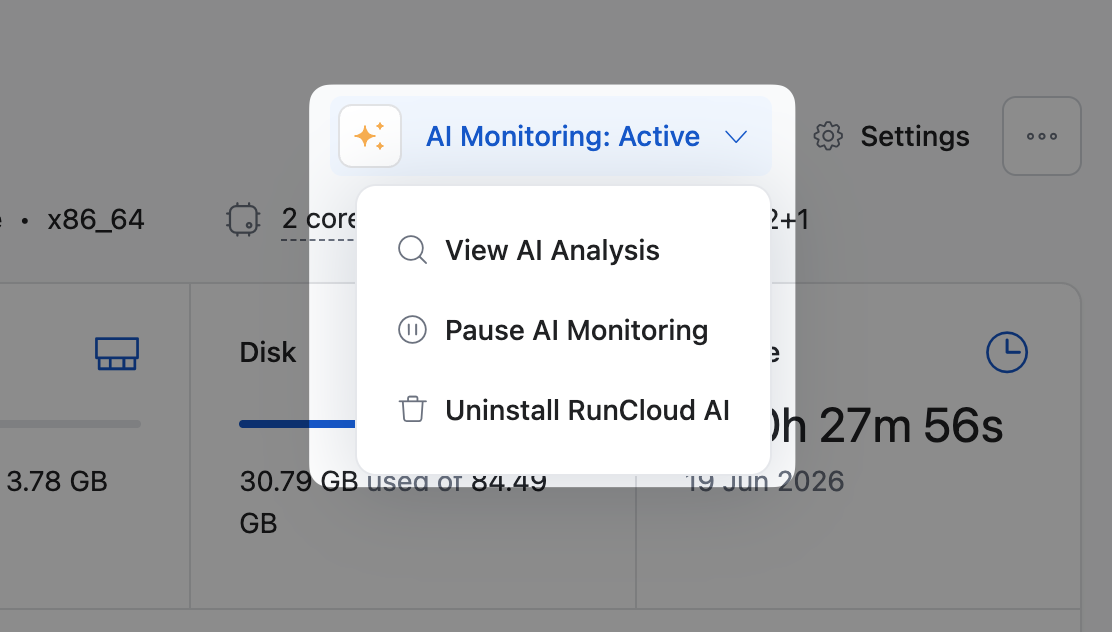
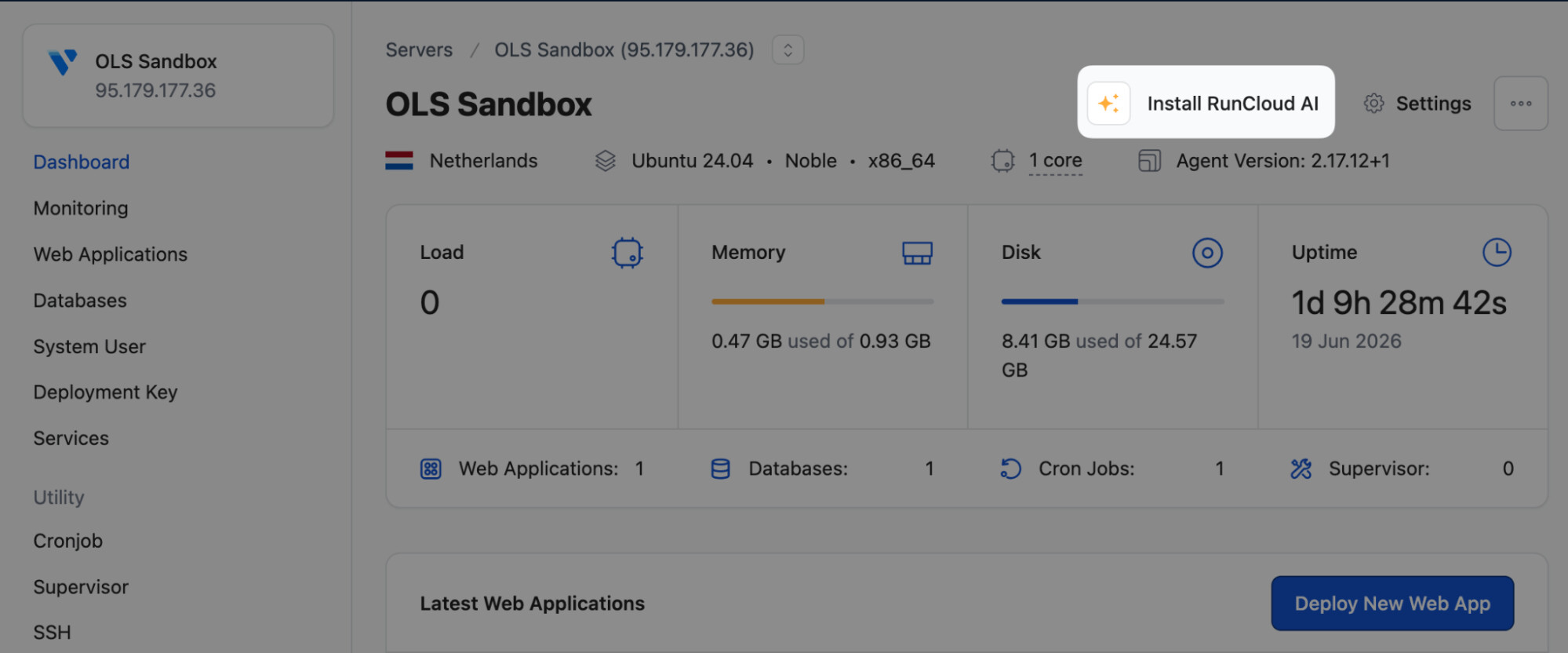
AI Monitoring can be enabled by navigating to your server of choice and looking for the new _ **Install RunCloud AI** _ option, as shown below:
You’ll see a one-time consent modal explaining how RunCloud works. Accept the terms, and then click **Enable AI Monitoring** to enable AI Monitoring on this server.
* * *
This is a beta, so we want your feedback. If you enable it and spot something off (a diagnosis that missed the mark, a remediation step that didn’t work, a use case we should cover), drop a reply here. We look forward to any & all feedback. 🙌
---
### Author:  [@Arvoisa](https://community.runcloud.io/u/Arvoisa)
#### Post date: [June 22, 2026, 3:12pm UTC](https://community.runcloud.io/t/introducing-ai-monitoring-beta/4728/2 "2026-06-22T15:12:32Z")
This is great. This feature could fill server optimization request: [https://community.runcloud.io/t/server-optimization-settings-advanced/4572/2](https://community.runcloud.io/t/server-optimization-settings-advanced/4572/2)
Could ai do checkups ie. check server configuration and what wp sites installed, if woo enabled etc, do php performance checks, recommend configuration changes?
---
### Author:  [@Arvoisa](https://community.runcloud.io/u/Arvoisa)
#### Post date: [July 27, 2026, 12:47pm UTC](https://community.runcloud.io/t/introducing-ai-monitoring-beta/4728/3 "2026-07-27T12:47:33Z")
@alex @raj
We are currently getting tons of notifications:
“There is a spike in HTTP 405 errors for the X web application, with 4 client errors recorded in the last 60 seconds.”
“An HTTP 500 error occurred on the X web application, with one server error logged in the last minute.”
Quite annoying to get these as mobile notifications. Maybe you should stack these?
---
### Author:  [@alex](https://community.runcloud.io/u/alex)
#### Post date: [July 27, 2026, 12:48pm UTC](https://community.runcloud.io/t/introducing-ai-monitoring-beta/4728/4 "2026-07-27T12:48:49Z")
Hi @Arvoisa
We’re actively working on fine-tuning AI Monitoring. Just to confirm, have you already filed a ticket with some examples of what you’re seeing?
Ensuring this is captured via ticketed support will ensure it’s associated directly with your account, and the affected server/web app + the team will be able to request access or more information if necessary.
Thank you for the feedback. 🙏